The fantastically fun social deduction game
Blood on the
Clocktower is still in prototype, expected to release
in early to mid 2022. But some of us can't wait!
Fortunately for eager fans,
the Pandemonium
Institute has announced they are happy for anyone to use
do-it-yourself resources to make the physical game (called a
“Grimoire”, the box loaded up with all components) provided we
don't sell anything and don't use it for automated games.
This is intended to supplement official resources found via the
Blood on the
Clocktower site. I don't consider this to be a print-and-play
suitable game; these are for only some of the game components.
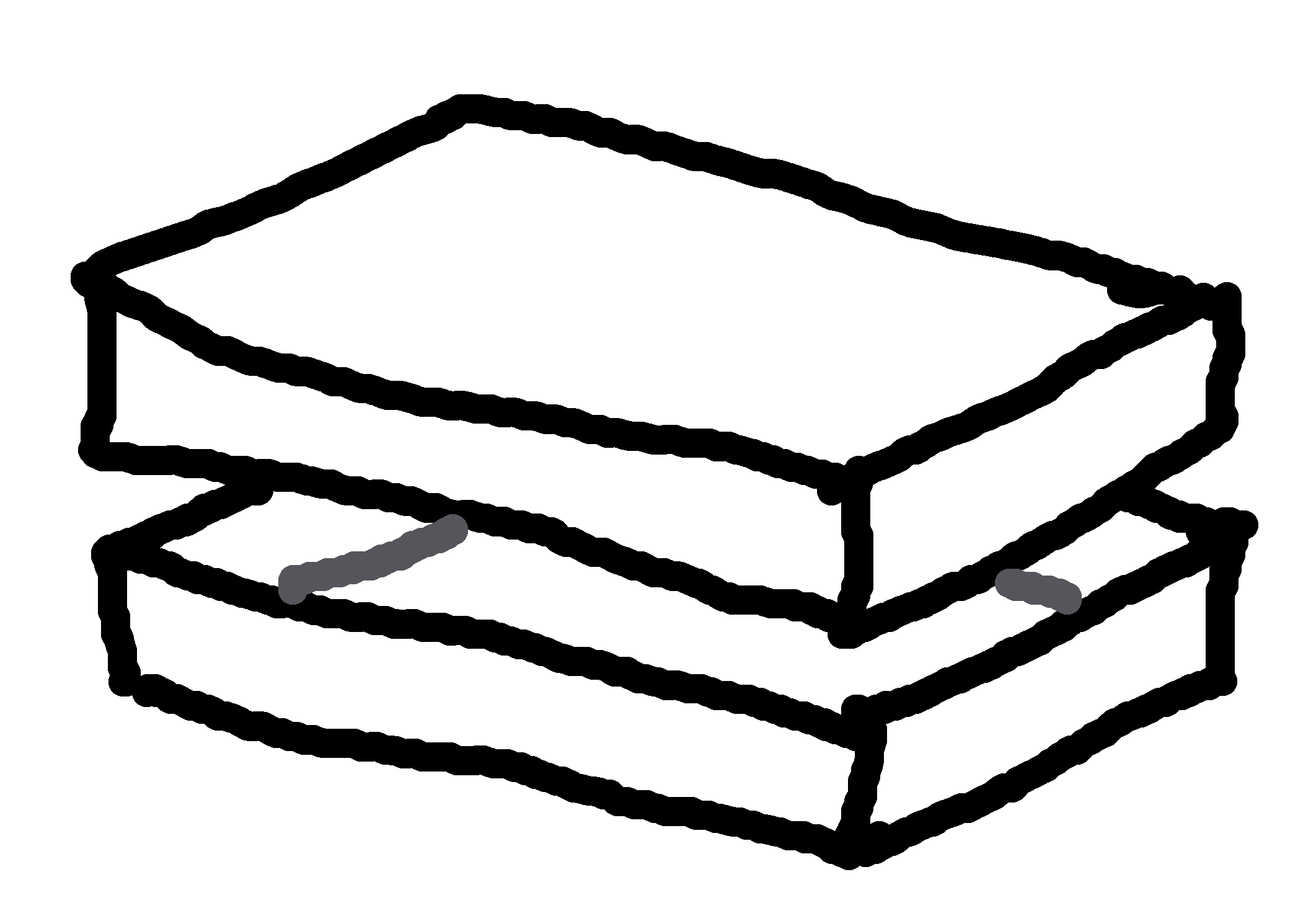
Grimoire box
You'll need a large, sturdy box for the Grimoire. I've
up-cycled an unwanted game that has a good deep rectangular box;
this document is custom shaped to that. Print on single-sided A3
paper, and apply these panels to all exterior surfaces of the
lid and tray. I then cover all that with protective
adhesive-backed transparent film.
There are so many components in this game it is wise to keep
them organised into smaller containers, both for storage and
during play.
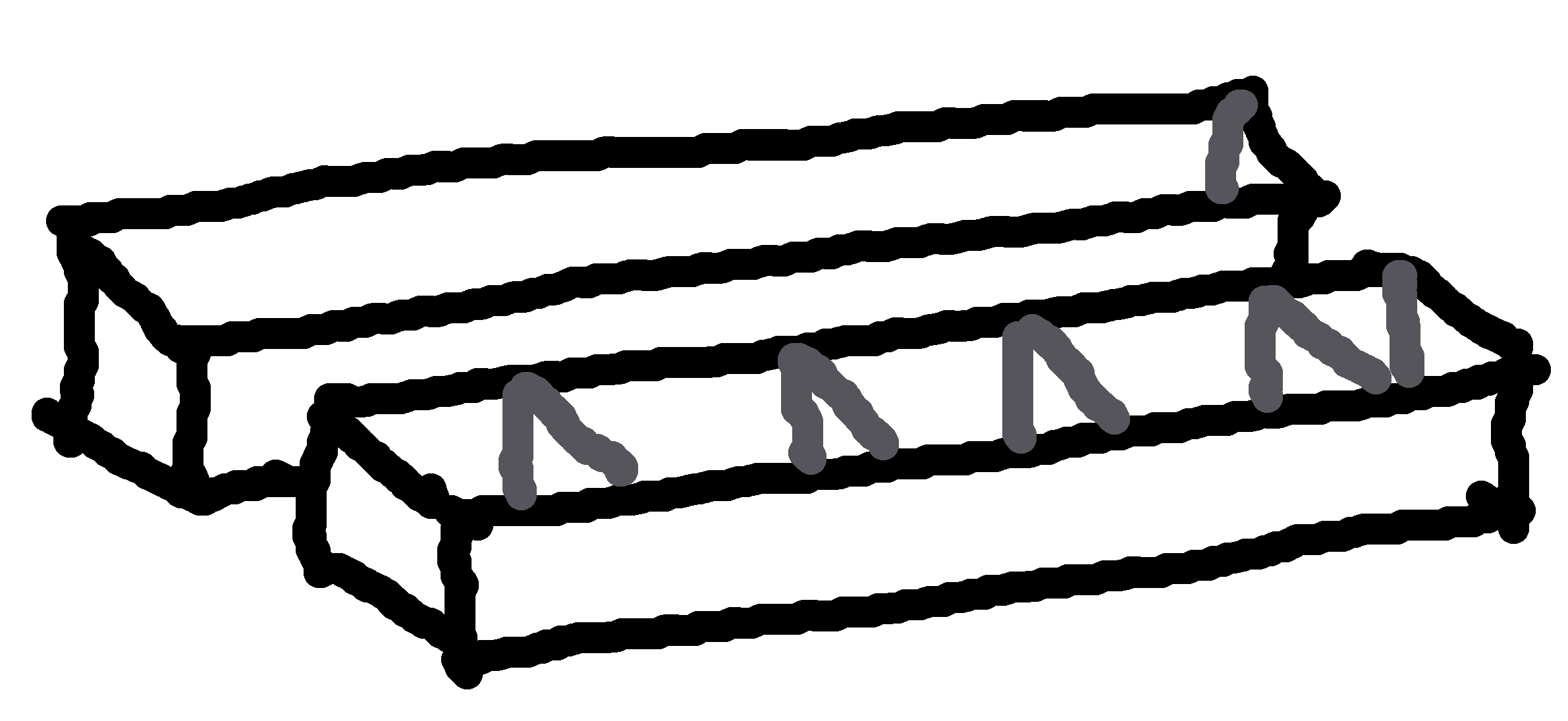
Each edition gets a long box for its tokens (character,
marker). There is an extra “Storyteller box” for the general
components for Town Square (life token, vote token, name label),
Grimoire (death shroud, information card, reminder token) and
Fabled tokens (character, marker).
Print single-sided onto A3 paper, glue panels to each side of
sturdy card (make sure to line up each side exactly), then cut,
fold, and glue to form the boxes. These are sized to fit inside
my custom Grimoire box.
A set of modular separators divide each long box into sections.
Print the dividers onto thick card, cut and fold, and glue at
the marked positions in the base of each box.
Component boxes
for general components and each base edition (7.8MiB, PDF)
(2020-04-191)
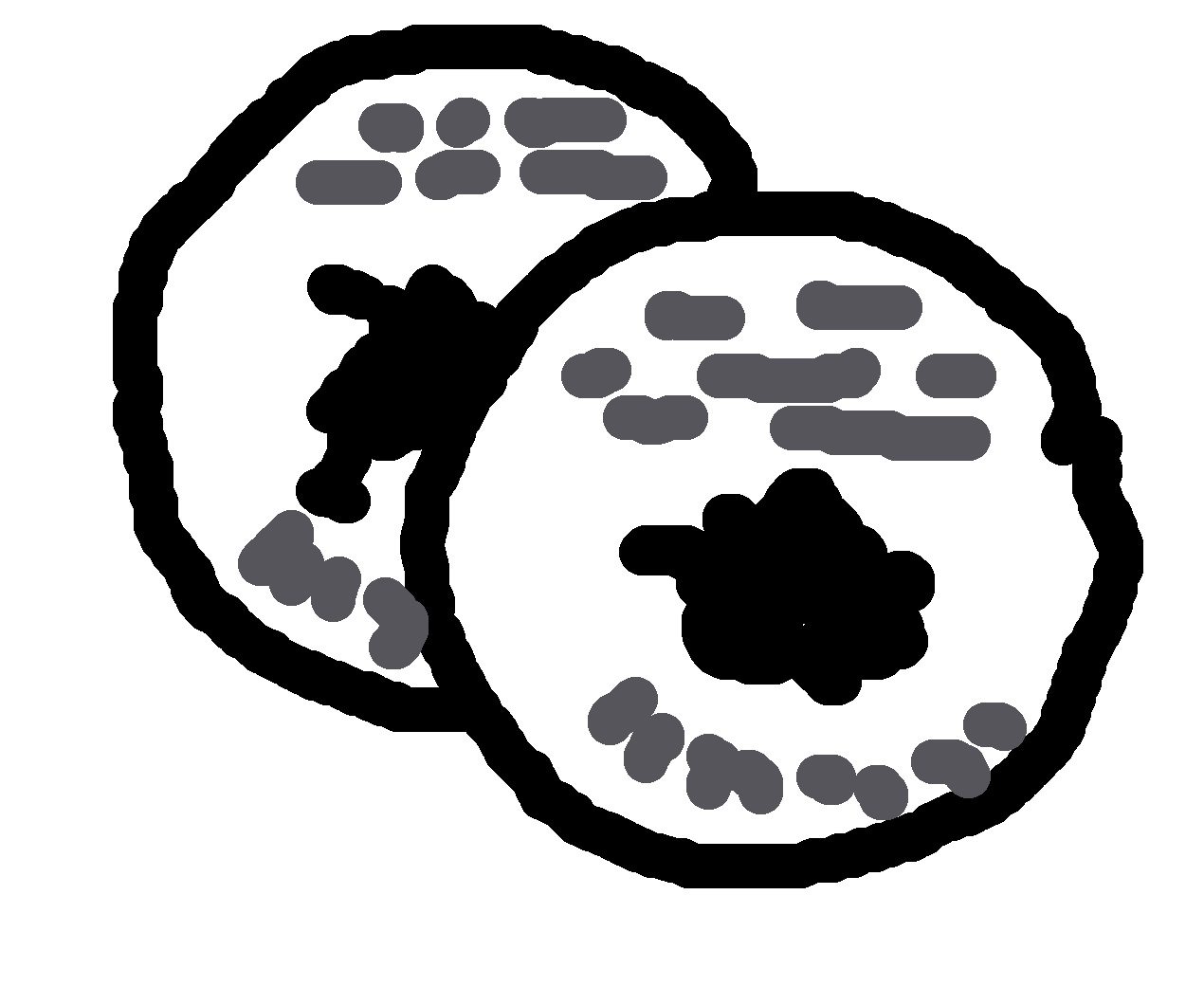
Character tokens
The web images are a good start, but are optimised for display
on a pixel device, not printing to paper. The resolution is low,
there's a useless shadow, the text is blurry, etc.
I've made these high-resolution tokens, rendered the icons, no
shadow, and a more readable font. 47mm diameter tokens. Pages
are A4 size.
I use a Town Square sized for the specific game board that I
cannibalised; you may find it useful, but you also might want to
re-size it.
The document is designed for a folding two-panel board. The
front panels show the Town Square and a table of Character
Counts for reference during the game. The rear panels show an
overview of the game.
Town Square (19.3MiB, PDF)
Double-sided, 350 × 480mm (two panels, 350 × 240mm) on A3
pages
(2020-07-03)
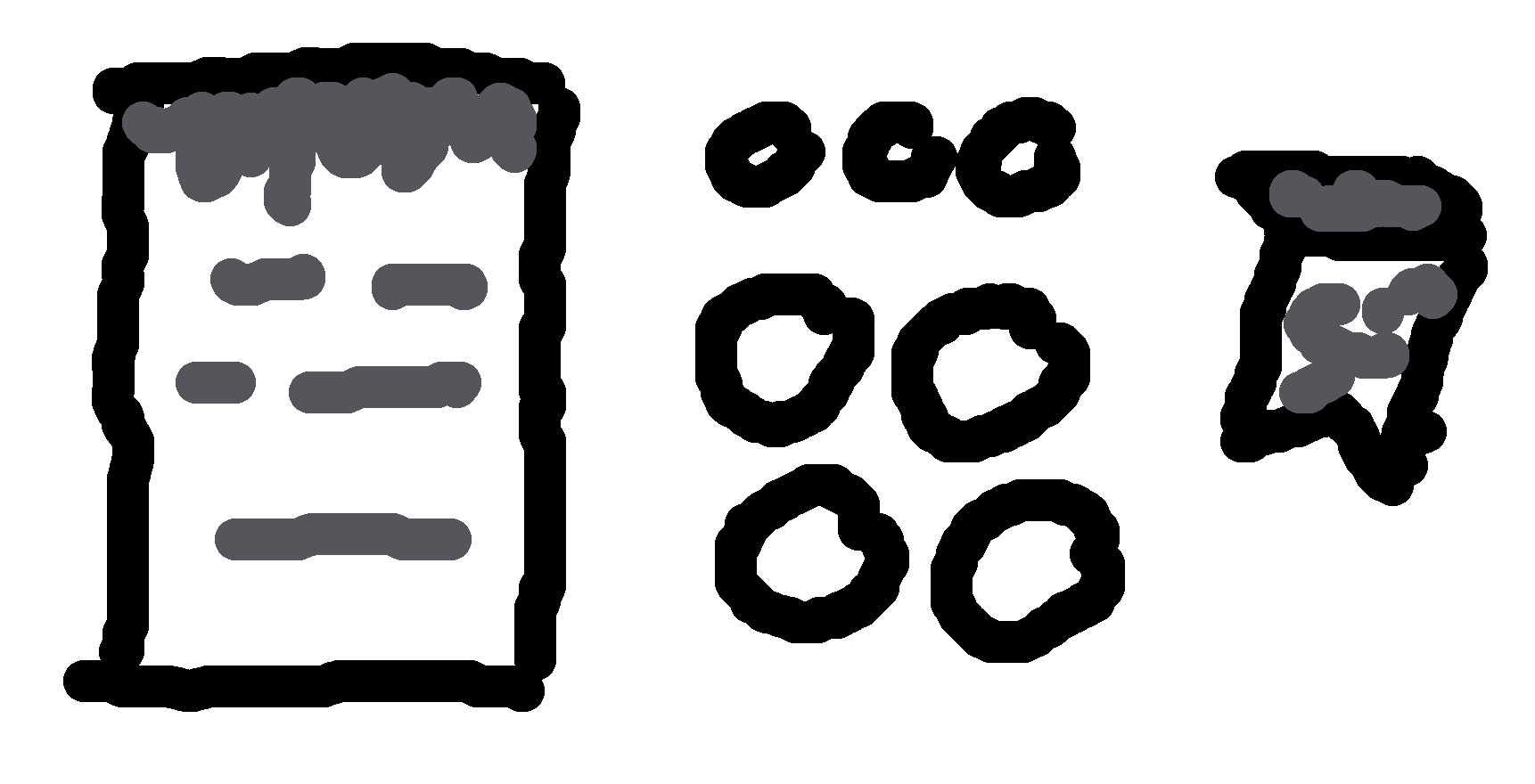
First-person variant: The Storyteller reads the
explanation aloud to the group. The second page is a
bullet-point checklist of steps to set up the game from the
beginning.
Third-person variant: A delegated assistant player reads
the explanation aloud to the group. The second page is a
reference sheet of Travellers and Character counts, to
display under the Town Square.
executable file. · 166 lines (156 loc) · 12 KB. Raw. Copy raw file. Download raw file. Open symbols panel. Edit and raw actions. / FTOLED/fonts/Arial_Black_16.h at master - GitHub
: 16x32 or 32x32 LED Dot Matrix Displays (P10 modules).
Used for high-visibility P10 LED and OLED screens. ILI9341_t3 & GLCD: Supports TFT and legacy KS0108 LCDs.
For embedded Linux without X11, you can write directly to /dev/fb0 using the same arial_black_16.h .
: 16 pixels high (ideal for headers, status alerts, or primary data readouts).
: The overall storage footprint of the header array (typically around 12,422 bytes).
The most common tool to is the GLCD Font Creator , which directly generates .h files from your system’s TTF fonts. The process is simple:
If you are looking for the raw code to put inside ArialBlack16.h for an Adafruit GFX display, here is a snippet of what the structure looks like (Note: This is a truncated example; a full 16pt font file is quite large):
// Helper: pointer to data for a given character const uint8_t* get_char_data(char c)
While arial_black_16.h is lightweight, it is not suited for all scenarios:
If you are currently setting up a project with this library, let me know:
The font properties typically map out to the following specifications: Fixed at 16 pixels .
The Arial_black_16.h library is a small yet powerful file that bridges the gap between high-quality PC typography and low-resolution embedded displays. By understanding its structure, correct implementation, and handling its limitations, you can create visually appealing text on LED dot matrix displays with little effort.
Characters are cut off vertically or overlap.
#define DISPLAYS_ACROSS 1 #define DISPLAYS_DOWN 1
executable file. · 166 lines (156 loc) · 12 KB. Raw. Copy raw file. Download raw file. Open symbols panel. Edit and raw actions. / FTOLED/fonts/Arial_Black_16.h at master - GitHub
: 16x32 or 32x32 LED Dot Matrix Displays (P10 modules).
Used for high-visibility P10 LED and OLED screens. ILI9341_t3 & GLCD: Supports TFT and legacy KS0108 LCDs.
For embedded Linux without X11, you can write directly to /dev/fb0 using the same arial_black_16.h .
: 16 pixels high (ideal for headers, status alerts, or primary data readouts).
: The overall storage footprint of the header array (typically around 12,422 bytes).
The most common tool to is the GLCD Font Creator , which directly generates .h files from your system’s TTF fonts. The process is simple:
If you are looking for the raw code to put inside ArialBlack16.h for an Adafruit GFX display, here is a snippet of what the structure looks like (Note: This is a truncated example; a full 16pt font file is quite large):
// Helper: pointer to data for a given character const uint8_t* get_char_data(char c)
While arial_black_16.h is lightweight, it is not suited for all scenarios:
If you are currently setting up a project with this library, let me know:
The font properties typically map out to the following specifications: Fixed at 16 pixels .
The Arial_black_16.h library is a small yet powerful file that bridges the gap between high-quality PC typography and low-resolution embedded displays. By understanding its structure, correct implementation, and handling its limitations, you can create visually appealing text on LED dot matrix displays with little effort.